 Lil Pet
Notice
Lil Pet at a glance — ways to play with your pet
Hi, it's Lil Pet!
From today, we'll share new features and events here in Notices. For our very first notice, here's everything you can do with your pet in Lil Pet.
1. A screen pet that walks across your screen
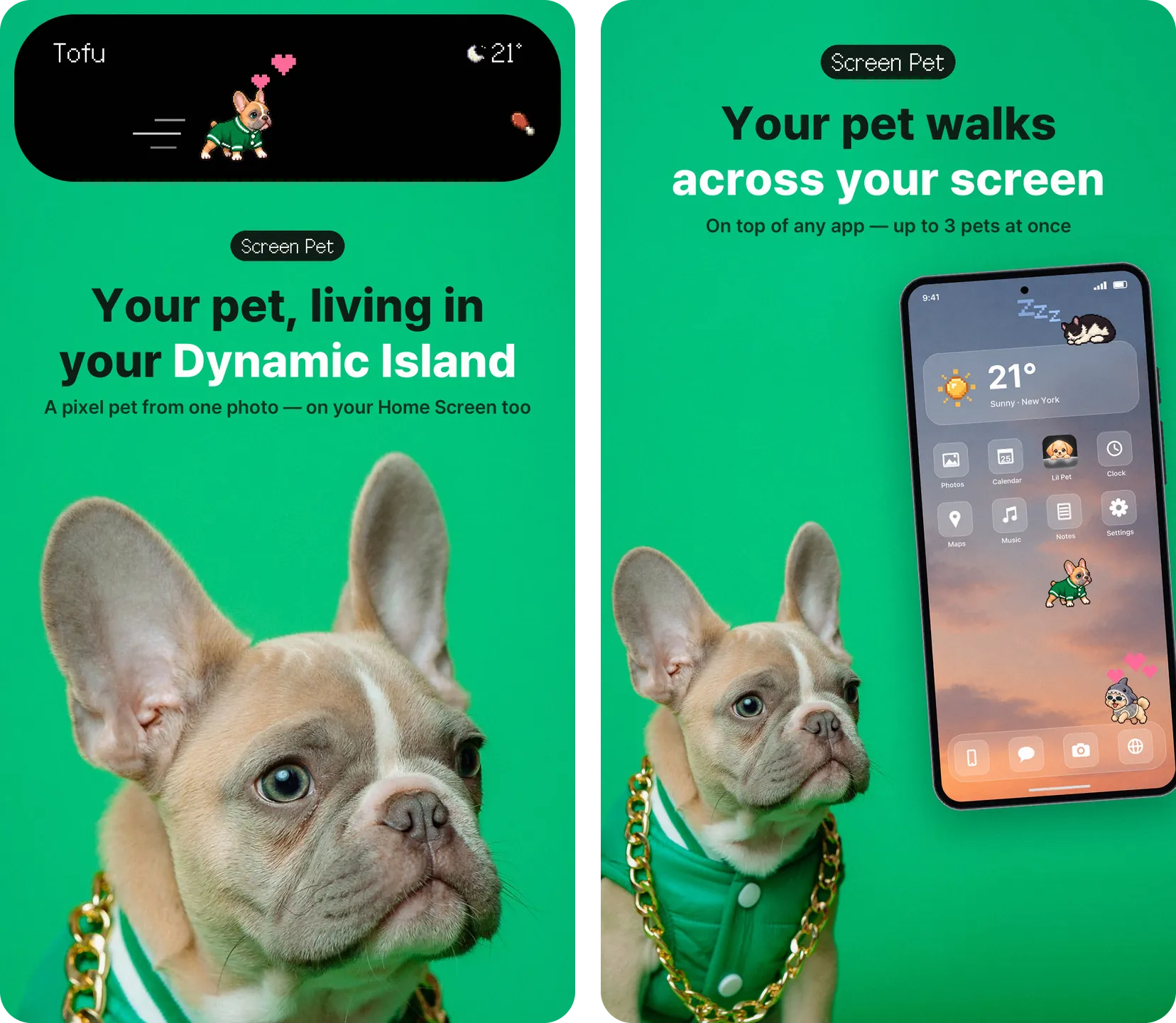
- iPhone — Your pet strolls through the Dynamic Island and across your Lock Screen. You can also keep it on a Home Screen widget.
- Android — Your pet walks across your screen on top of any app. You can bring out up to 3 pets at once.
- Turn on Weather reactions and your pet curls up on rainy days and zooms around when it snows.
2. One photo becomes a pixel pet
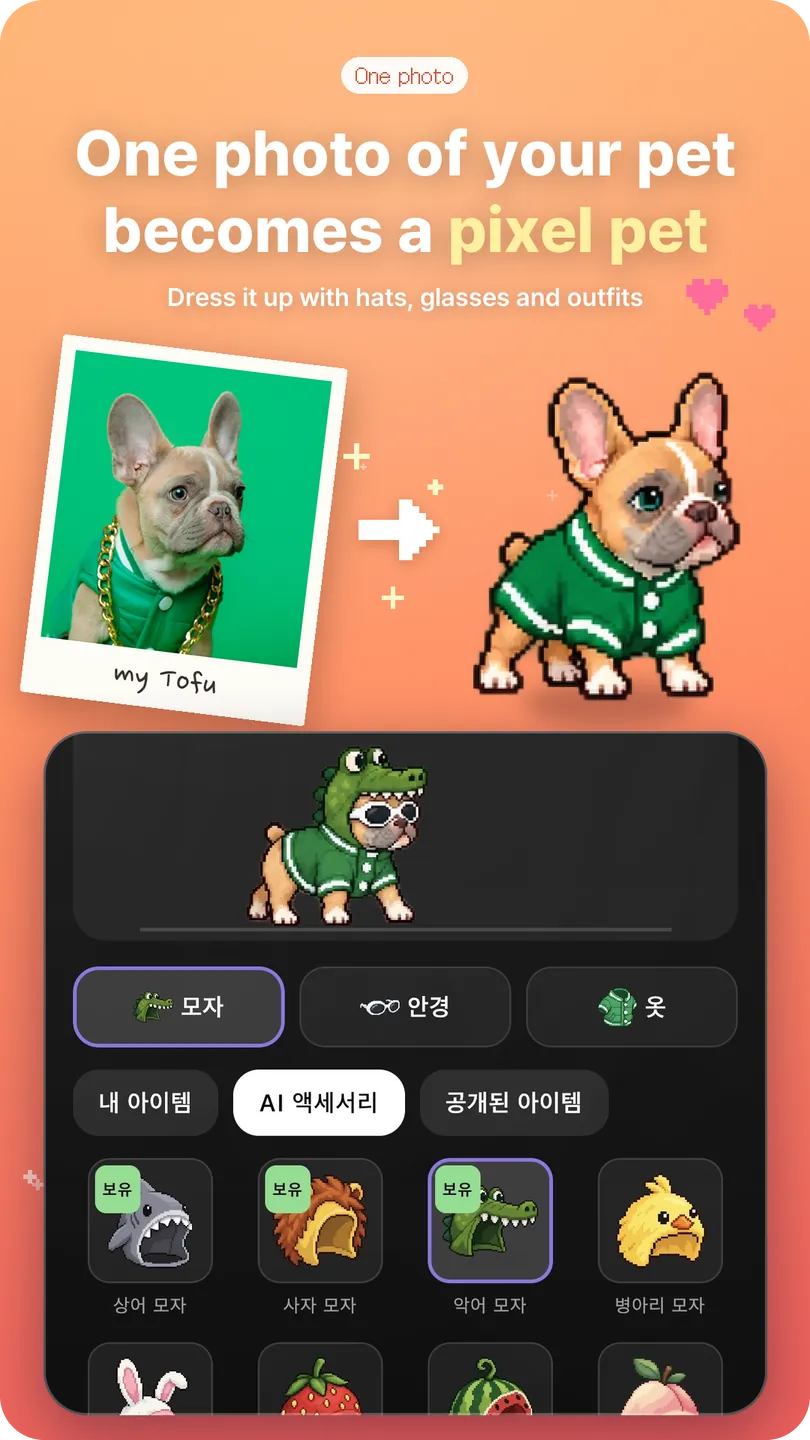
- One photo of your pet is all it takes to hatch a pixel pet that walks on your screen.
- Pick hats, glasses and outfits in the Wardrobe and dress your pet up however you like.
3. Decorate your own yard
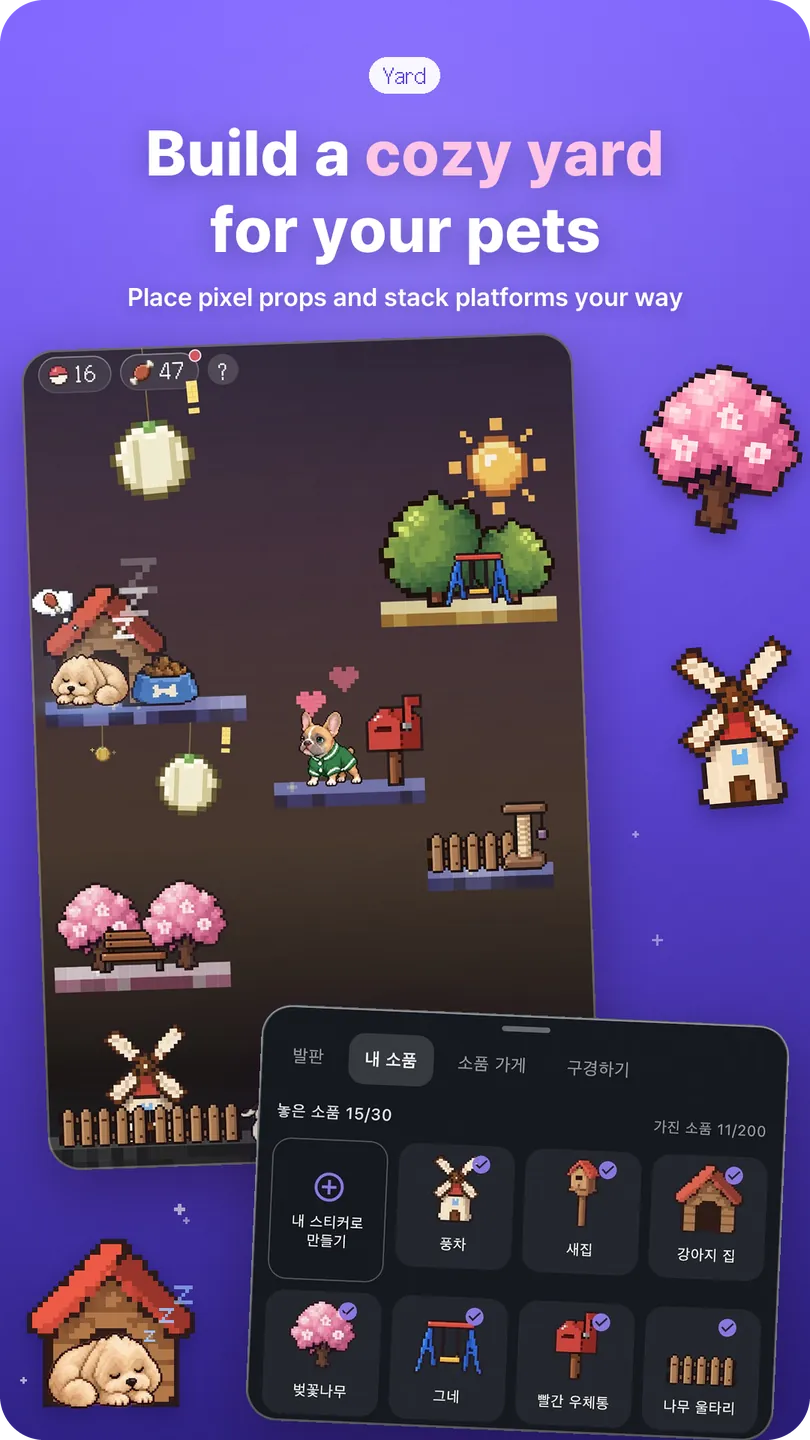
- Place pixel props and stack platforms to build a yard for your pet to play in.
- You can even turn your own stickers into props.
4. The more you play, the more they grow
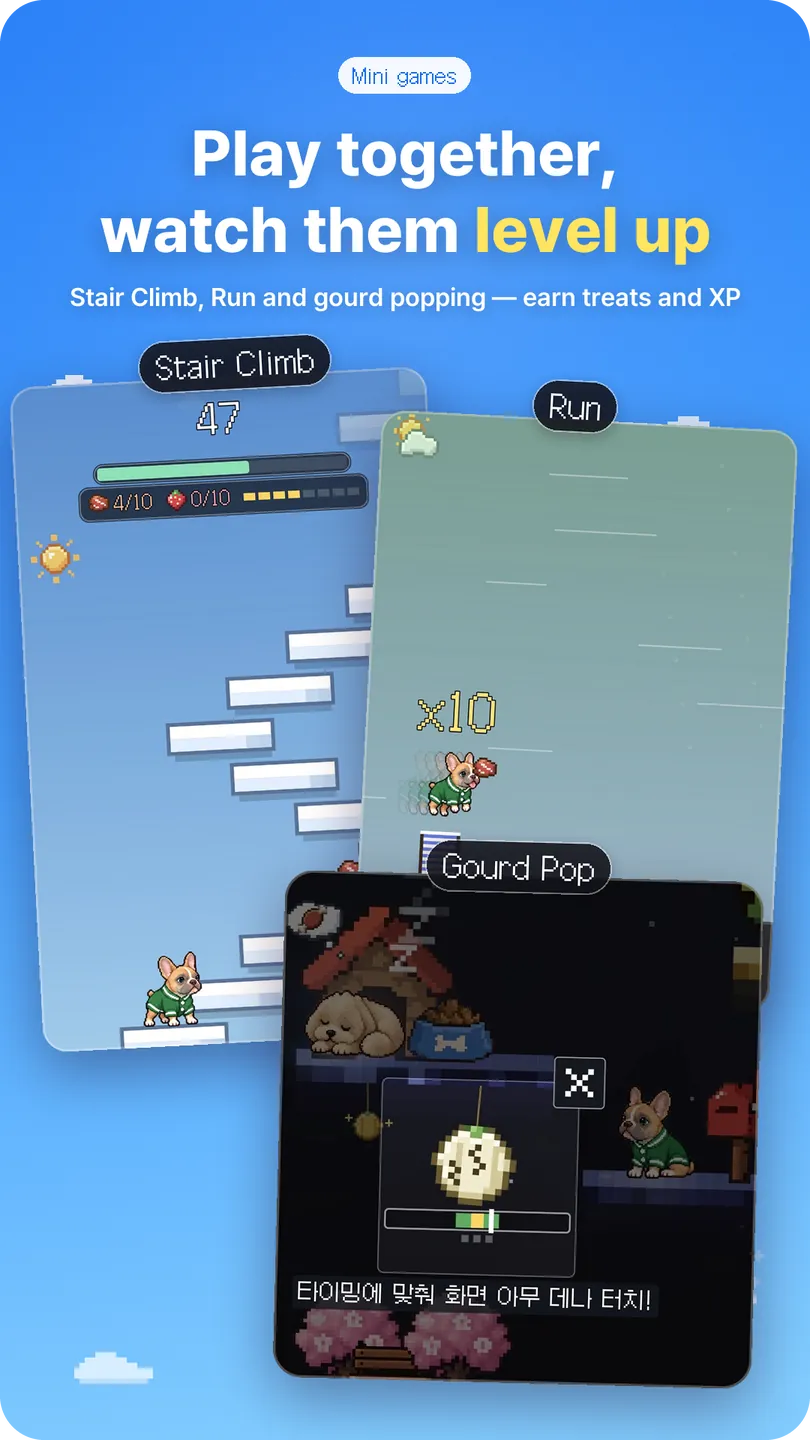
- Play Treat Catch, Run, Stair Climb and Gourd Pop in the yard to collect treats and XP.
- Levels go all the way up to 999. From Lv10 an aurora appears behind your pet, and its shape changes as the level rises.
5. Drop by your friends' yards
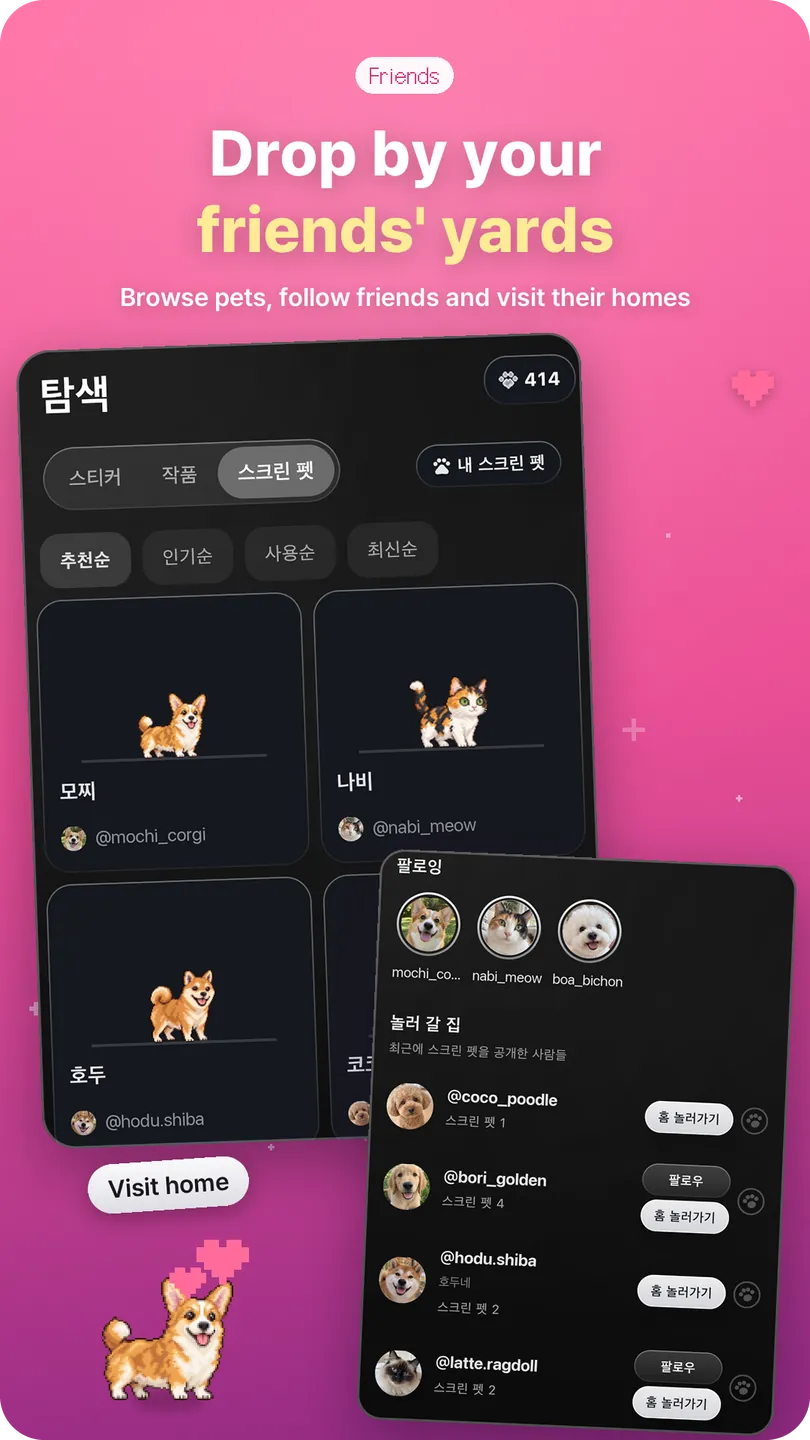
- Browse other pets in Explore and follow the ones you like.
- Say hi when you visit a friend's home — you'll show up in their guestbook.
Questions or problems? Let us know anytime in Account Settings > Support.
We'll keep polishing Lil Pet so you and your pet can have even more fun together. Thank you!